
What Voice2Text does
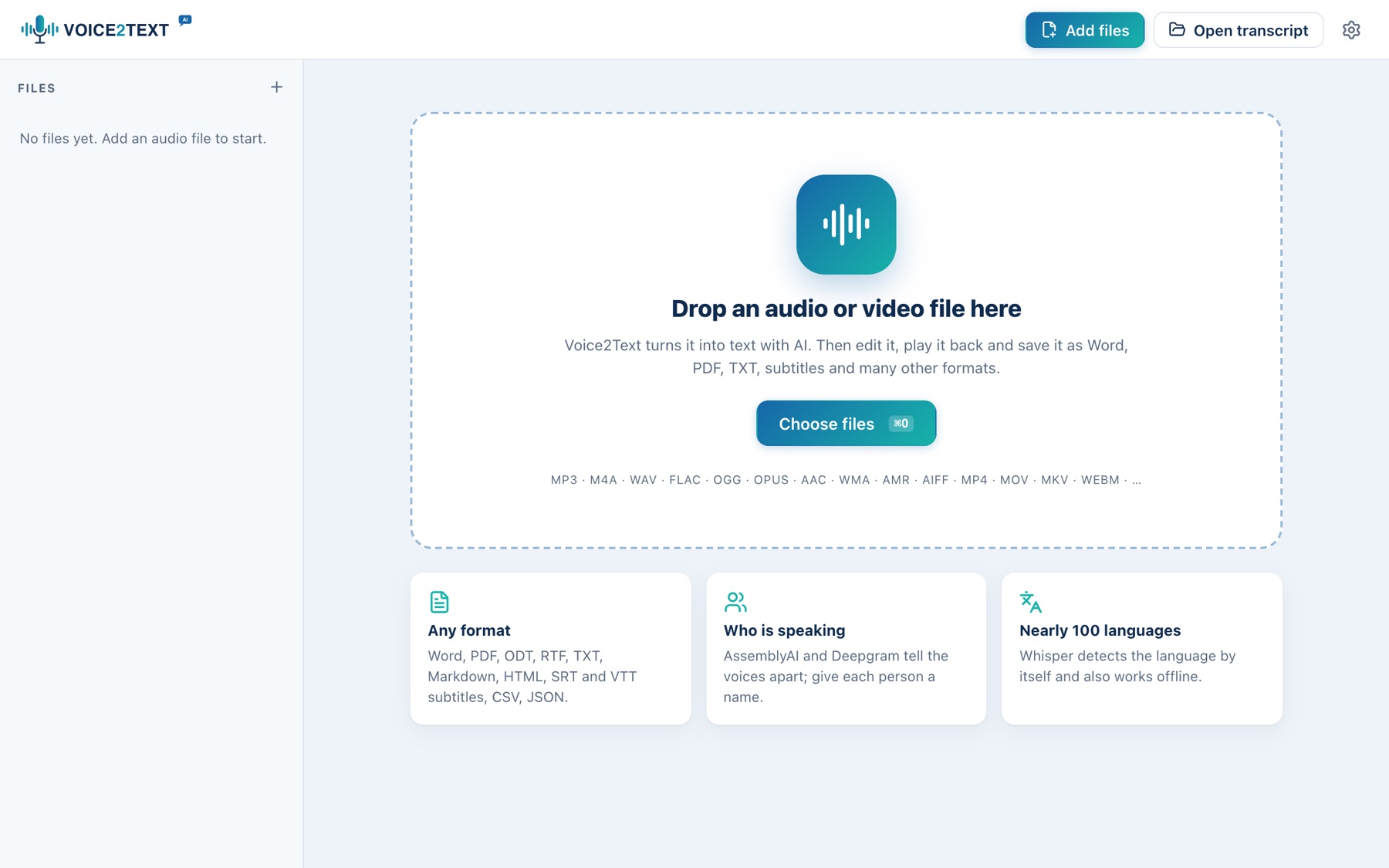
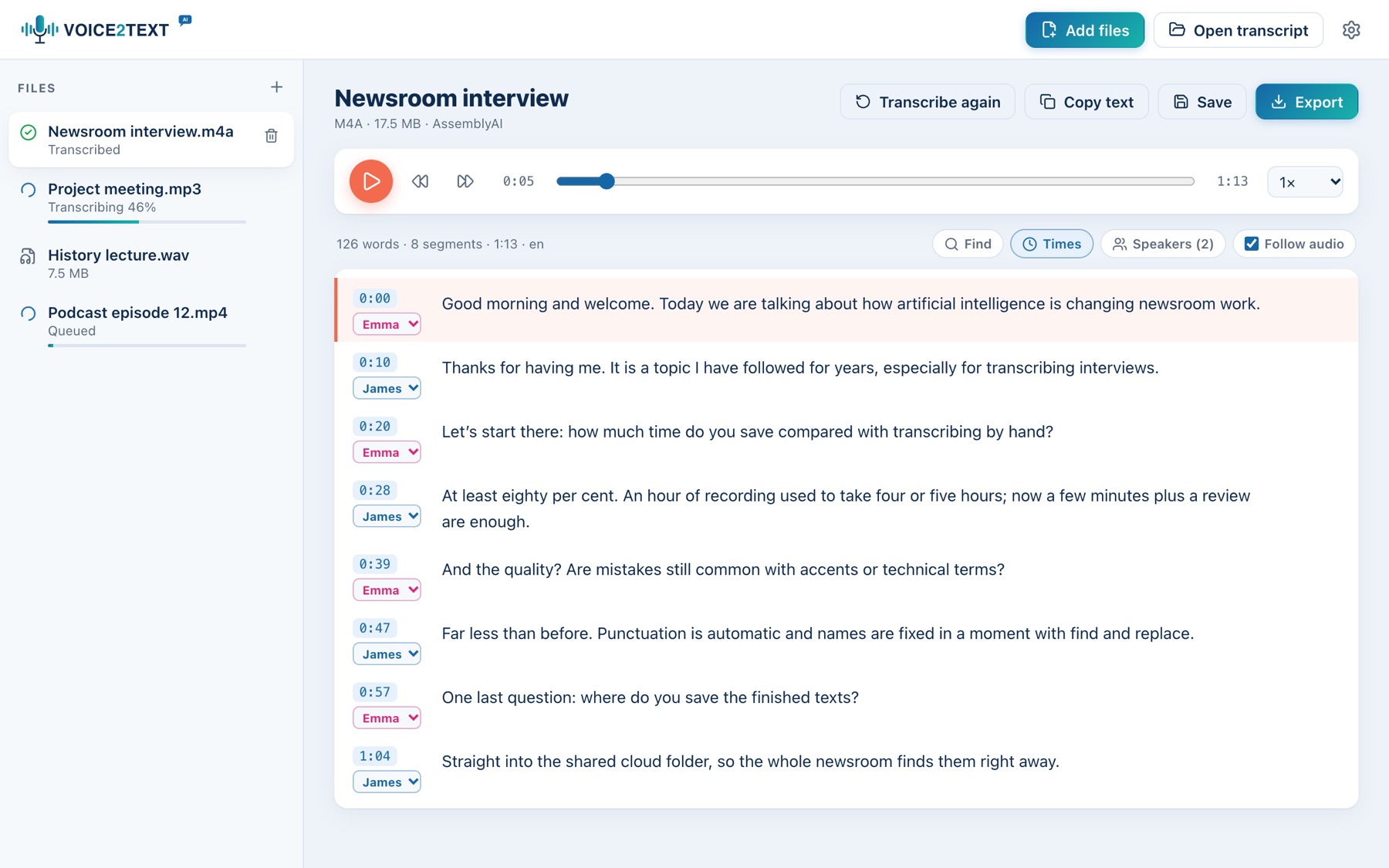
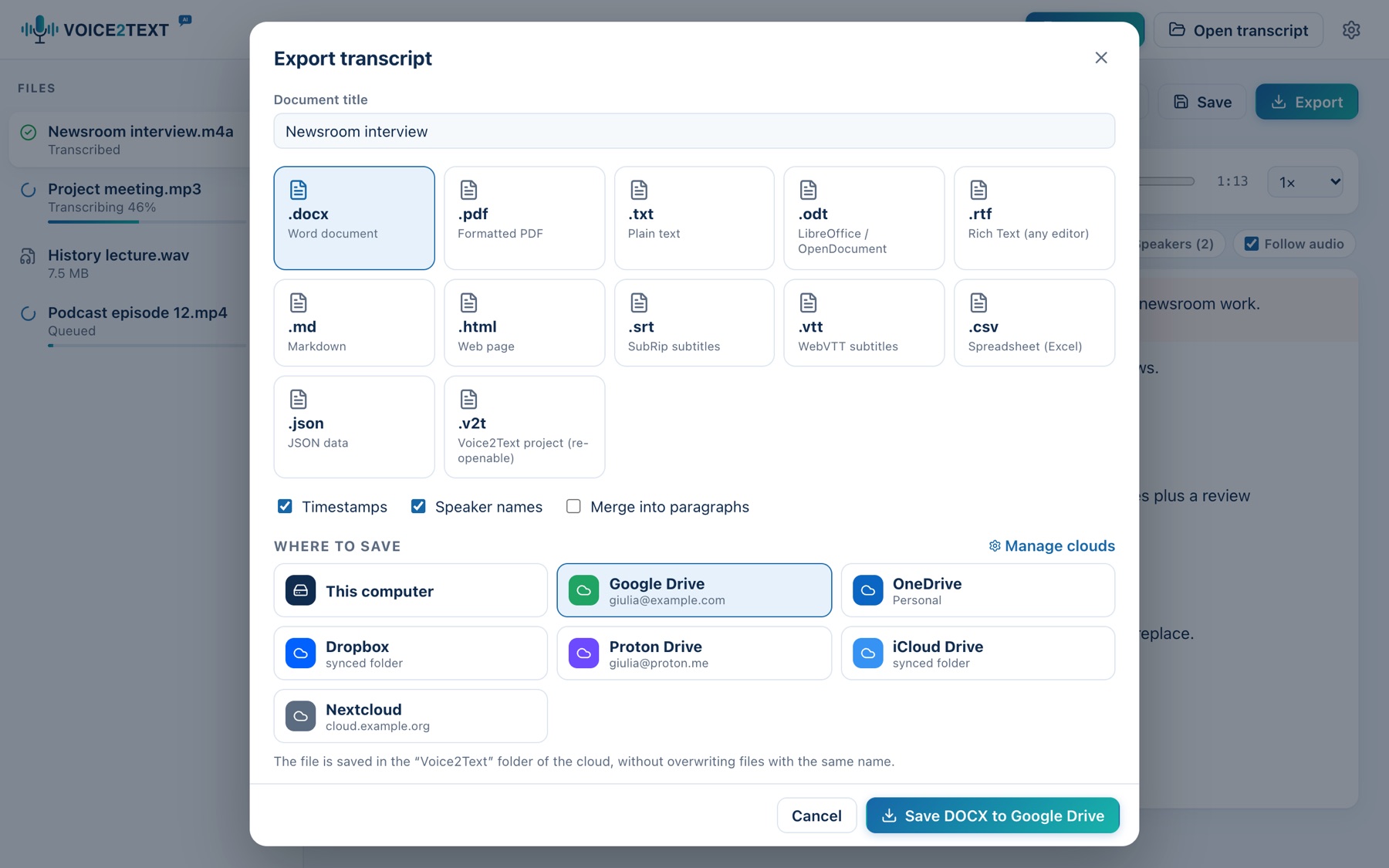
Get started in three steps
- Install Voice2TextDownload the package for your system and install it.
- Add your filesDrop audio or video on the window and choose the engine: offline Whisper is free.
- Edit and exportListen, fix the text and save it as Word, PDF, subtitles or to the cloud.
Online services and confidentiality
With offline Whisper the audio stays on your computer. Online services receive the file on their servers: the app shows a notice you must accept before the first upload. Do not upload confidential content without the right and consent to do so.
Download
Packages for the current version. Keys for online services are entered in the app, under Settings → Engines.
Total downloads:
| System | File | Size | |
|---|---|---|---|
| macOS 11+ Universal (Apple Silicon and Intel) | Voice2Text_1.1.1_universal.dmgd5accc57e5331428… | 17.8 MB | Download |
| Windows 10/11 x64 installer | Voice2Text_1.1.1_x64-setup.exe7f223a4580e542a6… | 7.9 MB | Download |
| Debian / Ubuntu .deb package | Voice2Text_1.1.1_amd64.deb7d3ac0aaf0486d73… | 9.3 MB | Download |
| Fedora / RHEL .rpm package | Voice2Text-1.1.1-1.x86_64.rpmf7a5f5da8834afbc… | 9.3 MB | Download |
| Other Linux distributions Portable AppImage | Voice2Text_1.1.1_amd64.AppImageb19ffb7da0379133… | 87.6 MB | Download |
SHA256SUMS.txt · SHA-256 checksums to verify file integrity.
Manuals
Complete user manual with screenshots in every language: PDF to download or read in the browser.
Interface languages (XML)
XML files of the ready-made languages. To fix a translation or add a new one: edit the file and load it in the app under Settings → Languages → Load XML file.
Contact
Questions, problems or ideas about Voice2Text? Write here and I will reply to the address you give.
Prefer your own email app? Write to [email protected].